How to Put a Google Preferred Source Badge On Your Website or Blog

So Google is out here giving website owners a literal Preferred Source badge to put on their sites, and somehow half of us are still sleeping on it.
Let me back up. Since August 2025, Google has been rolling out something called Preferred Sources.
As an affiliate partner of various brands and sponsored content, HerPaperRoute may earn commission on qualifying purchases. Disclaimer
The idea is simple: your blog readers can now click a little badge on your site to mark it as trusted and preferred, essentially handpicking the websites they want to see more of.
Once they do that, your content gets prioritized in their “Top Stories” feed and a dedicated “From your sources” section every time they search for something relevant. Your loyal readers can essentially tell Google: show me this person’s stuff first.
In this article, I’ll show you exactly how to put the Google Preferred Source badge on your website (it’s super easy!)
Google Preferred Source Badge: How to Add It to Your Site and Why It Matters
I have a complicated relationship with Google. One week, it sends my content to the top of search results like a proud stage mom.
The next week it quietly buries the whole thing under an AI summary and a Reddit thread from 2019, and I am left standing there holding my keyword research like a participation trophy.
So when Google does something that actually benefits publishers for once, I pay attention. And this one is worth paying attention to.
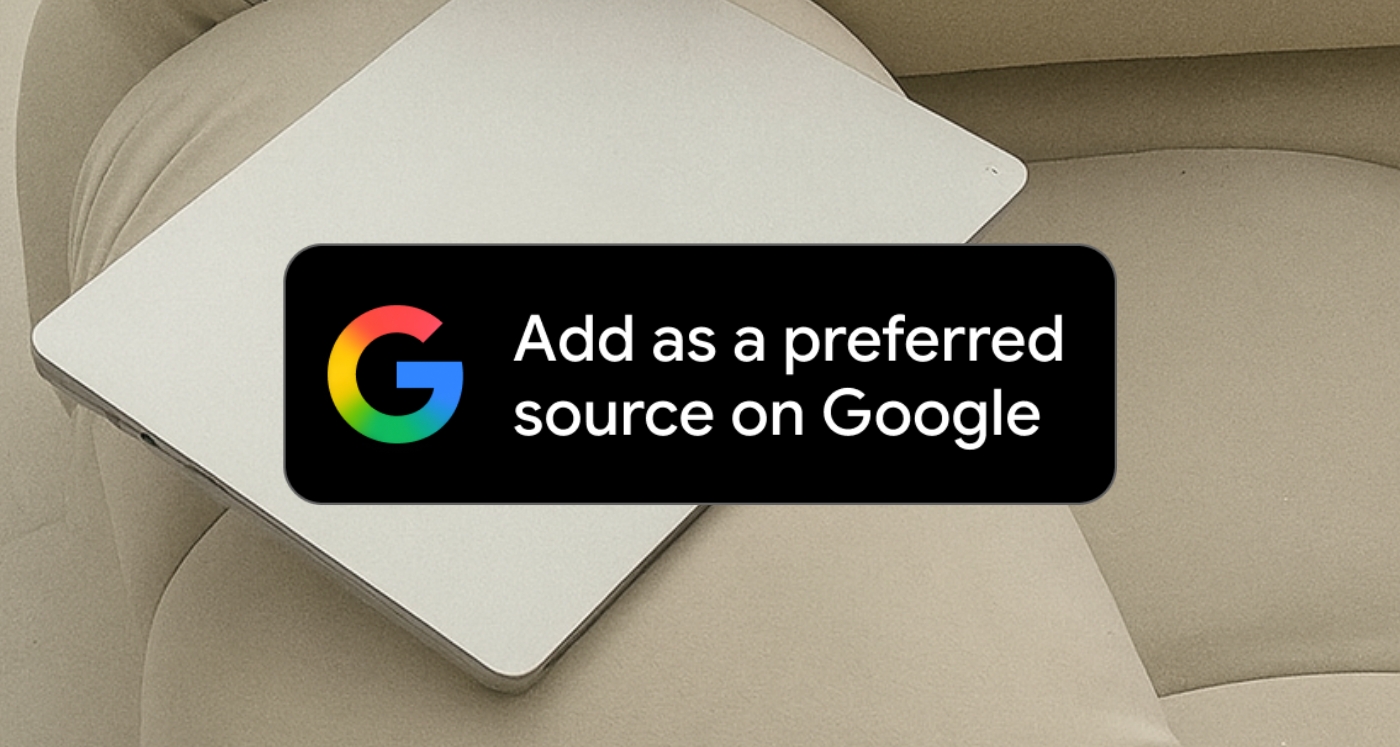
This is what a preferred source badge looks like:

Go ahead and click that badge to see first-hand what it does, and you’ll see what your readers would see if you had had one on your site.
Search Engine Journal wrote, “Users who pick a preferred source click through to that site twice as often on average.”
Twice. That is not a rounding error. That is the difference between someone scrolling past you and someone landing on your site because Google put you at the top for them personally.
And before you assume this is only for Google news approved sites, big news outlets or media companies, it is not. Local blogs, niche sites, hyper-specific content hubs, all of it is eligible.
The feature launched in the US and India in August 2025, then rolled out globally to English-language users in December. Yes, most bloggers are not actively using it yet.
Step-By-Step Guide to Adding a Preffered Sources Badge to Your Website
Google has made the mechanics pretty simple. There are two things you can add to your site:
1) Download the official badge from Google and place it on your site like any old image.
2) Hyperlink the deeplink to the badge, so that it takes users directly to your site in the source preferences tool, formatted like this:
https://google.com/preferences/source?q=yourwebsite.comYou can also place this link on your site next to your social icons, email signup, or anywhere you already have a “follow me here” vibe going.
That is it. You are not filing paperwork. You are not applying for a Google program. You are asking your existing audience to take one small action that changes how often Google surfaces your content to them going forward.
Can We See Who Adds Our Site as a Preferred source?
Publishers cannot currently track traffic from Preferred Sources in Google Analytics directly, as Google has not made that data available. At least for now, you cannot open your analytics dashboard and see a clean “Preferred Sources referral” line.
So, it’s going to be hard to tell if it has moved the needle at all.
But think of it like this: this feature is not really about immediate traffic spikes. It is about loyalty infrastructure. You are not trying to rank for strangers right now.
You are telling your existing readers, the ones already on your email list, already in your community, already sharing your posts, that there is one more way to stay connected to your content even as Google continues pushing AI Overviews and summaries further up the results page.
Preferred Sources is a way for publishers to not have to rely solely on the search algorithm to get content surfaced. That sentence alone should be enough to make you go download the button today!
The quick action list
Note that only domain-level and subdomain-level sites are eligible, so a subdirectory like yoursite.com/blog would not be eligible on its own, but your main domain almost certainly is.
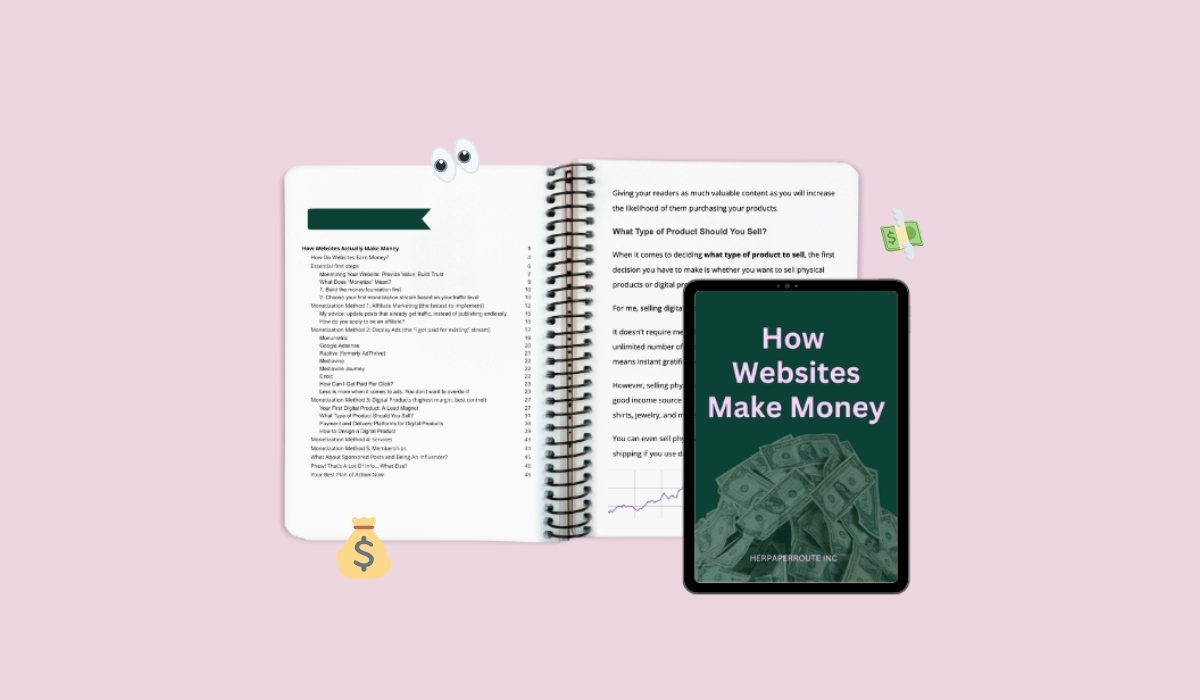
Want to understand more about how websites make money and build audiences that stick? Grab my guide for FREE right now!
Here is the thing about building an audience online.
Google is changing. AI is changing. The way people consume content is changing so fast that “what worked two years ago” is basically a history lesson at this point.
But the one thing that has not changed, the thing that will never change, is that people come back to voices they trust.
- They bookmark the blogs that feel like a person wrote them.
- They forward the newsletters that made them feel something.
- They search for you by name when Google’s algorithm is doing its little algorithm thing.
Preferred Sources is not magic. It is not going to save a site that does not already have something worth saving.
But if you are out here consistently creating content your readers actually want, this is one more tool that helps your people find you on purpose, instead of by accident.
That is what sustainable traffic looks like. Not viral. Not lucky. On purpose.
If you want to understand more about how the whole system works, including how websites like yours actually turn traffic into income, the full breakdown can be found here.
Go grab it. Then go add that badge to your site. Both of those things will take you less than ten minutes and neither of them require you to understand a single thing about Google’s algorithm.
Which, honestly, is the kind of energy we are all chasing right now. The readers who love your content are already there. This is just giving them a way to make Google agree with them.
But before you go, consider adding this site to your preferred sources. I will really appreciate it! – Chelsea
Read this next: